You can amend and change previously submitted ROEs using our auto-submission service! Here’s how to do this:
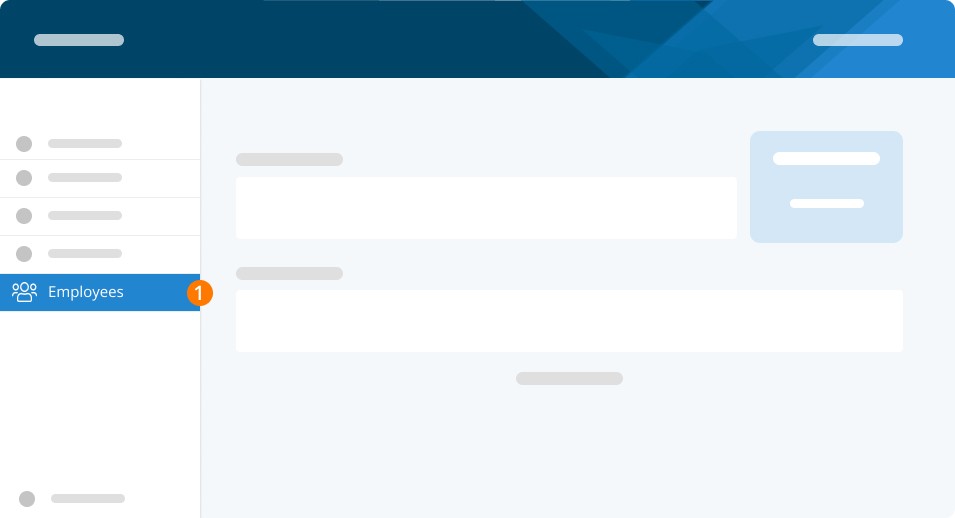
Step 1. From the left-hand menu, select Employees.
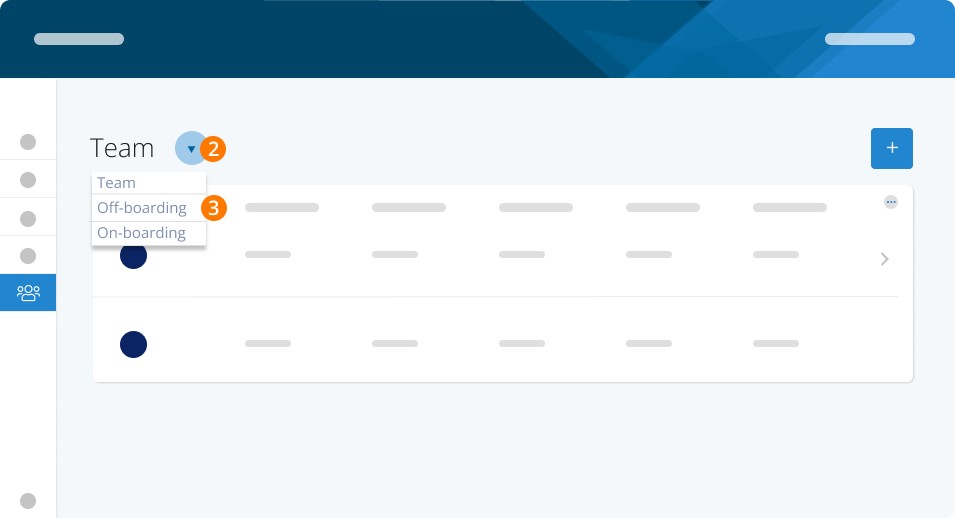
Step 2. Click the Arrow to get to different team categories.
Step 3. Select Off-Boarding.
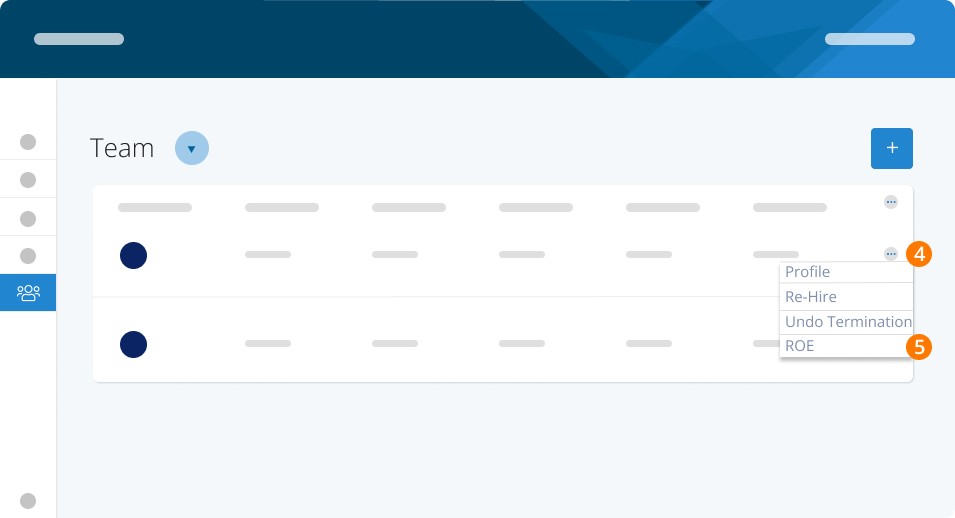
Step 4. Choose the employee you wish to amend. Click the three dots at the end of the employee line in the Offboarding Dashboard.
Step 5. Select ROE.
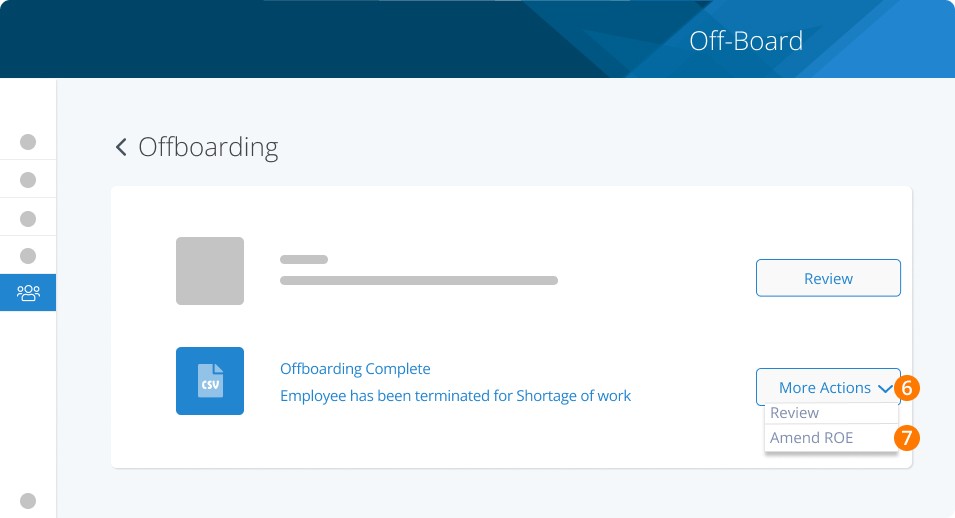
Step 6. Click on More Actions.
Step 7. Choose Amend ROE from the dropdown.
Step 8. Click Proceed to begin the process.
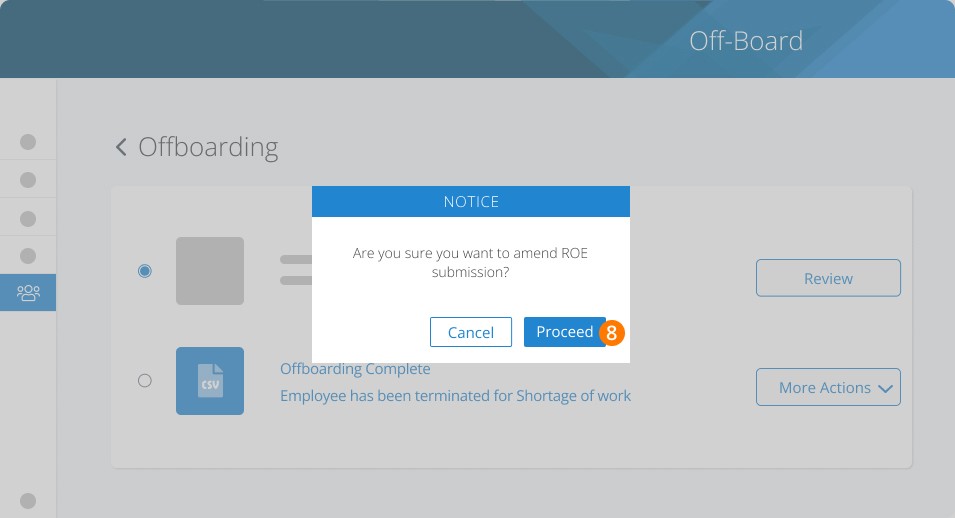
Once you click Proceed, you'll be directed back to the ROE process, where you have full control to make the changes you need. For a comprehensive guide on the ROE editing process, refer to our article on creating ROEs.
Related Tasks
Keywords: Record of Employment, ROE, Termination, Amend Record of Employment, Change ROE, Amend ROE, Update ROE
396
Can't find what you are looking for? We can take a more direct look to help resolve your matter — Create Case or Contact Us