The Add Ons tab is for integration with accounting and timekeeping programs. To access it, login to your account and click settings in the bottom left, then:
Step 1. Click ADD ONS
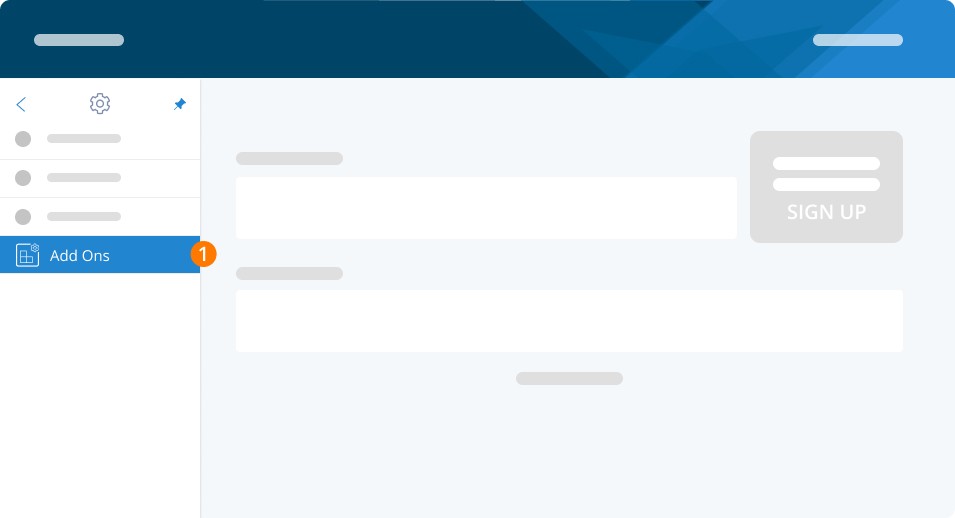
At this time, we integrate with the following programs. If you do not see your program in the list, please contact us to suggest an integration!
Company Profile
Once you've set up the integration with your accounting or timekeeping system, you're ready to run your first pay run. To help you in starting off right, please see our guide, How Do I Process Payroll?
Related Tasks
Keywords: Settings, Accounting, Accounting Software, Integration, Accounting Integration
396
Can't find what you are looking for? We can take a more direct look to help resolve your matter — Create Case or Contact Us