You can reactivate your client accounts yourself right within your EVOLV dashboard.
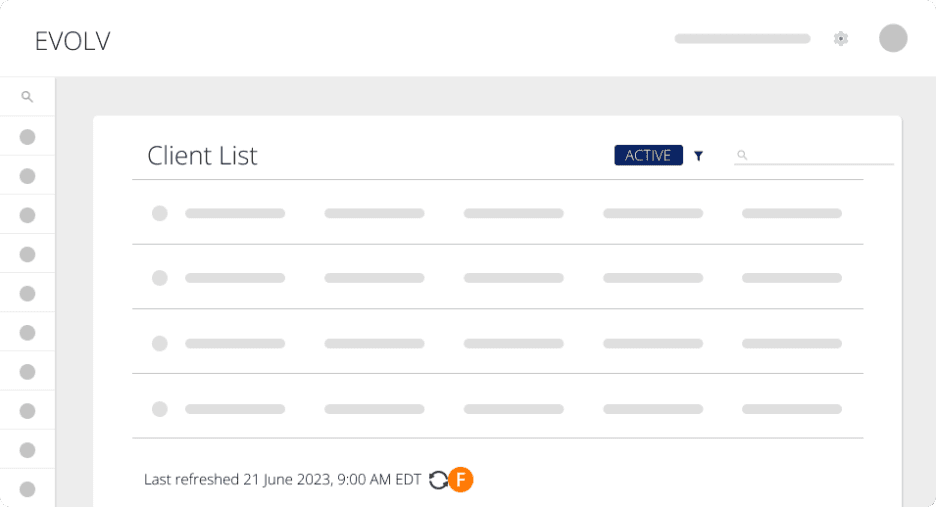
Step 1. From your EVOLV Client Dashboard, click the filter icon
Step 2. select Inactive
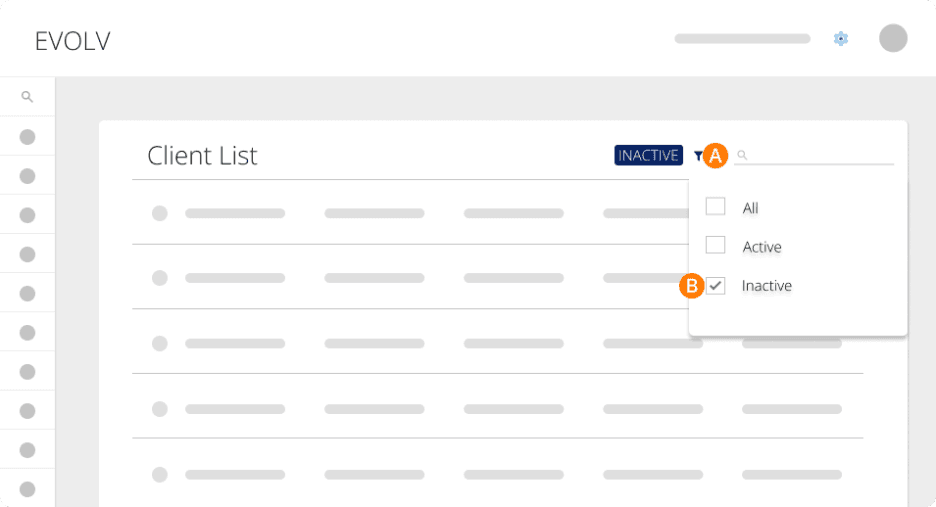
You can then scroll through your list or use the search bar to find the client you want to reactivate.
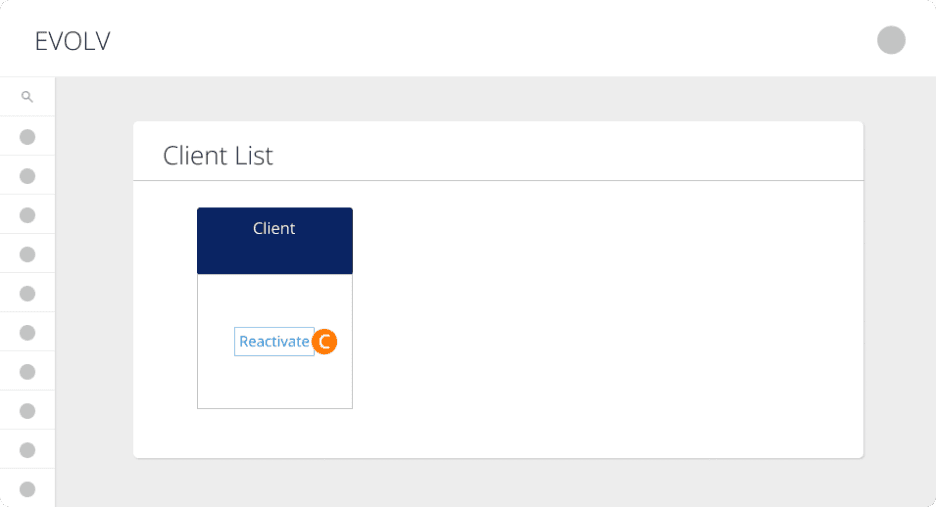
Step 3. If you’re on the Card View, click the Reactivate button on the client’s card.
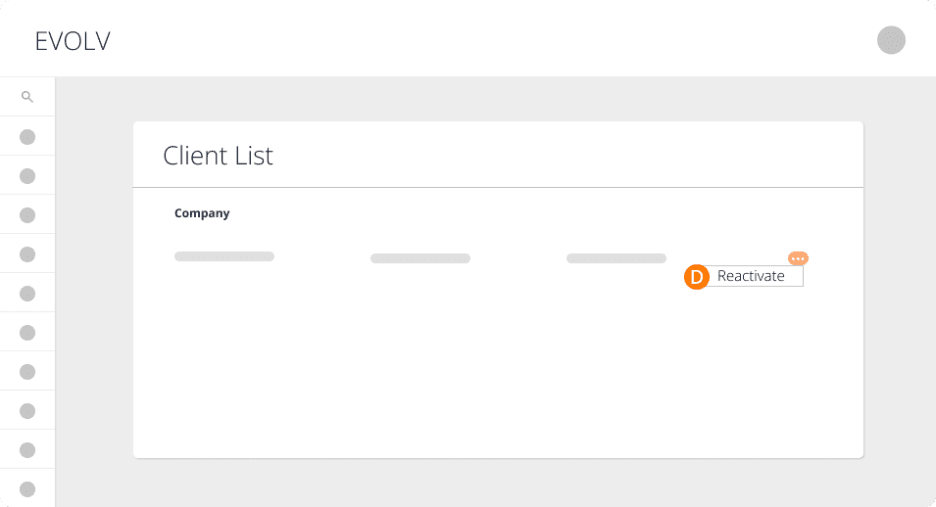
Step 4. If you’re on the Grid View, click the ellipses to the right, followed by Reactivate
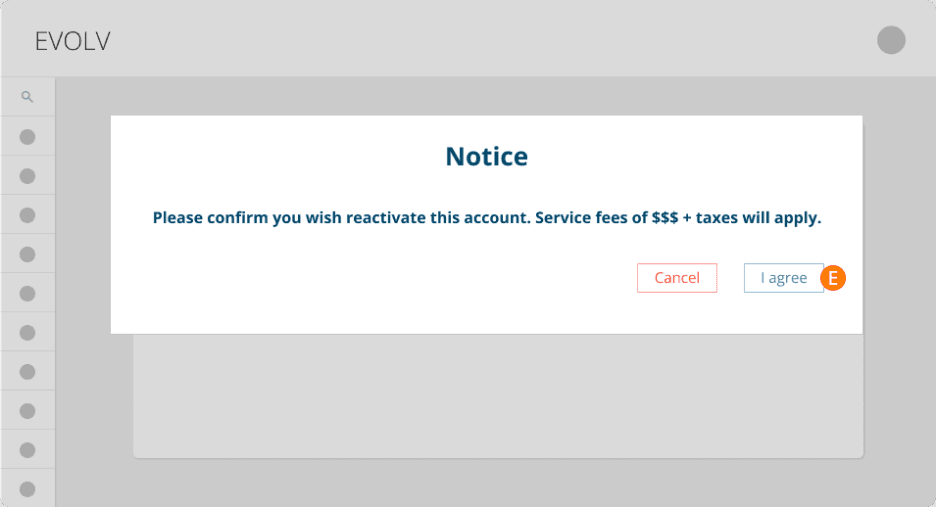
Step 5. In either view, you'll see a confirmation prompt. Click I Agree to finish reactivating your client
Step 6. Finally, refresh your Active Client List to see this newly reactivated client back in your list of clients.
Keywords: Evolv, Reactivate, Reactivate Account, Accountant, Reactivate Evolv
396
Can't find what you are looking for? We can take a more direct look to help resolve your matter — Create Case or Contact Us