EVOLV Usage Report Overview
The Usage Report card shows the most recent billing activity for your account broken down by client.
The default card view shows the 6 most recent transactions for items like payroll and B2B billing.
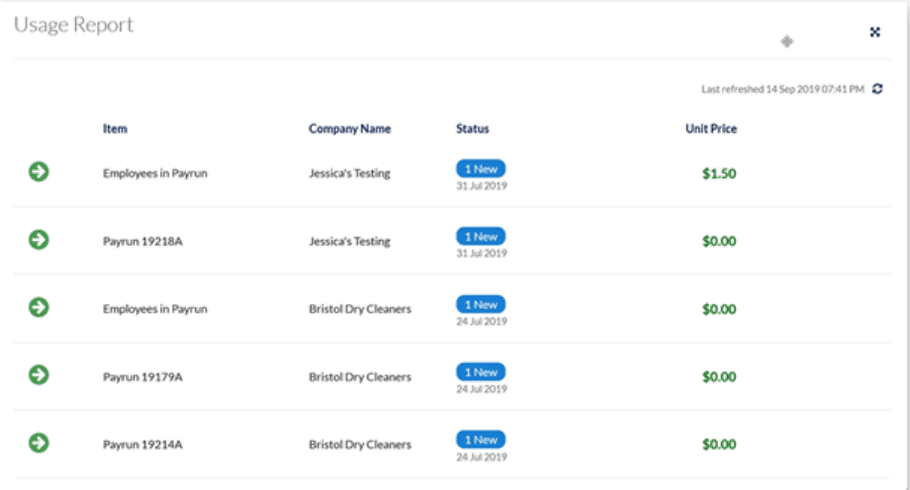
To view the last 2 months of usage information, click the full screen button.

Use the buttons by the column headers to sort, filter and search within the report.
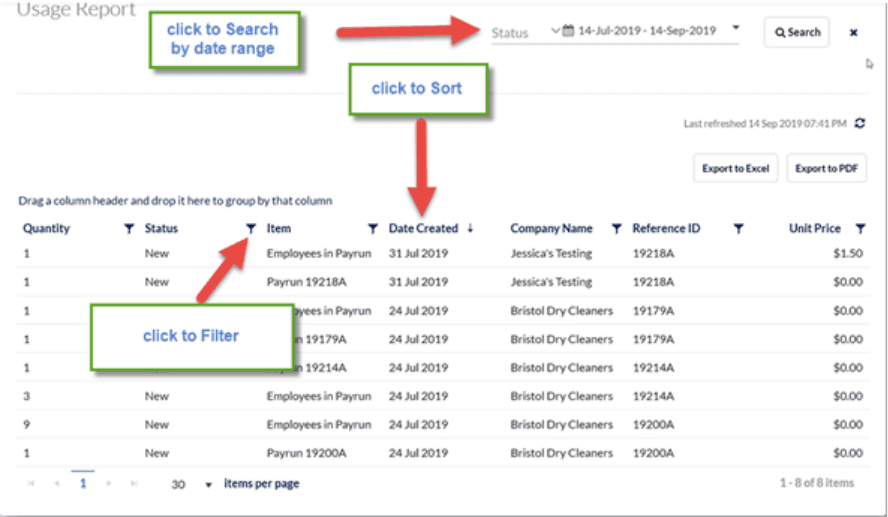
Reports can be exported to excel or PDF.
Related Tasks
Keywords: EVOLV, Billing Items, Usage Report, Billing Usage
396
Can't find what you are looking for? We can take a more direct look to help resolve your matter — Create Case or Contact Us