Client View- once you are in a client view, you will see all the details from your dashboard specifically as they relate to this client. Review your support tickets, usage reports, audit logs, or choose a quick action item.
Drag any item to customize your view
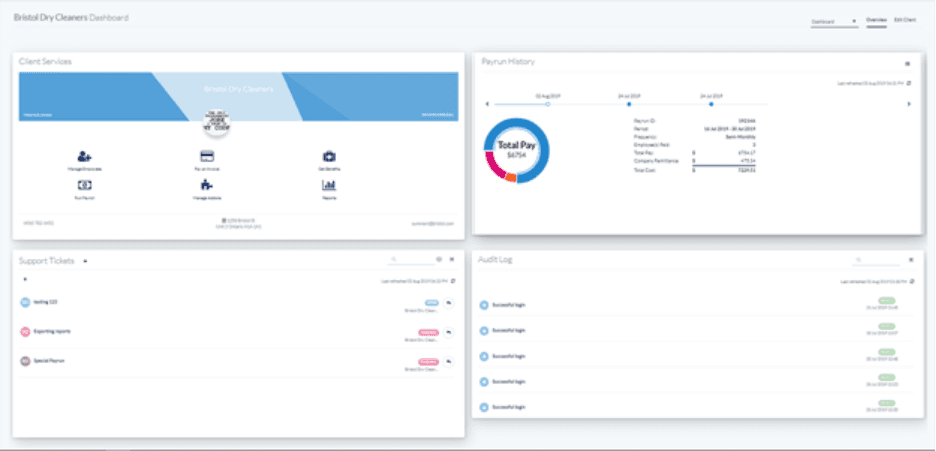
Use the menu options at the top right to select the view or edit the client.

On the Client Services Card you can manage employees, pay invoices, run payroll or reports, and more!
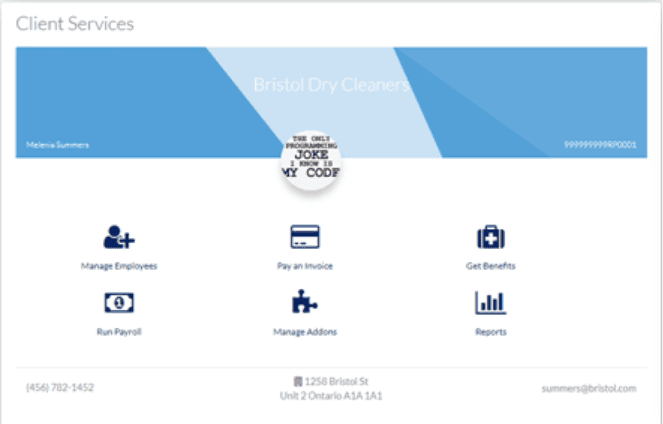
When you select an action item (Run Payroll or Manage Employees for example), you will be taken to this client’s Payroll account. To navigate back to EVOLV click on the waffle icon on top left of your screen and select EVOLV

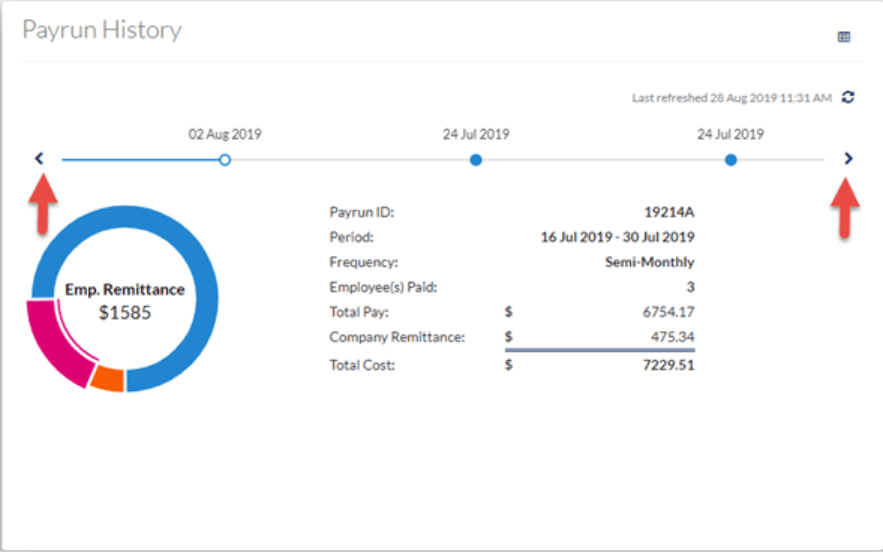
The Payrun History box shows the most recent payrun. Use the arrows (timeline view) to scroll through previous pays
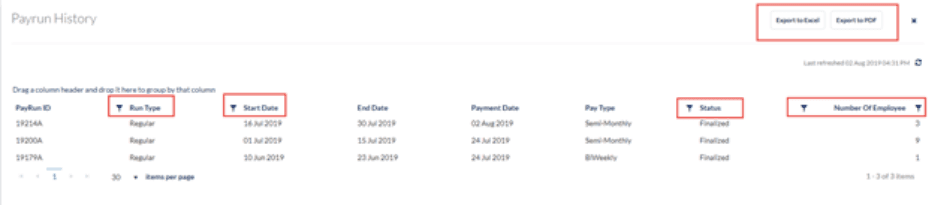
Use the Grid View to see a list that is exportable to XLS or PDF, or use any of the filter icons to filter by that field. You can also drag a column into the title bar to sort by that header.
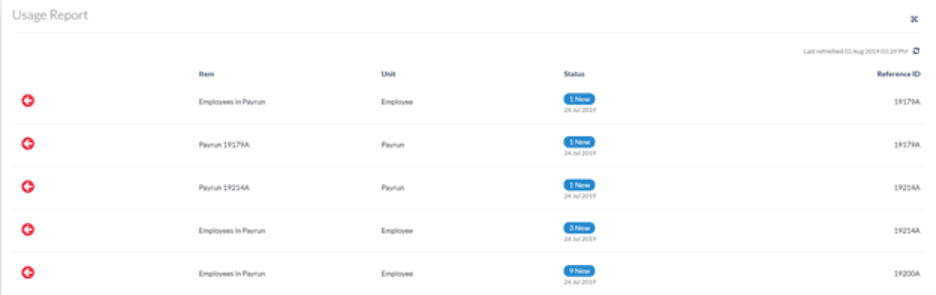
Usage Report Card displays the 6 most recent transactions or use the full screen mode to show the last 2 months of records
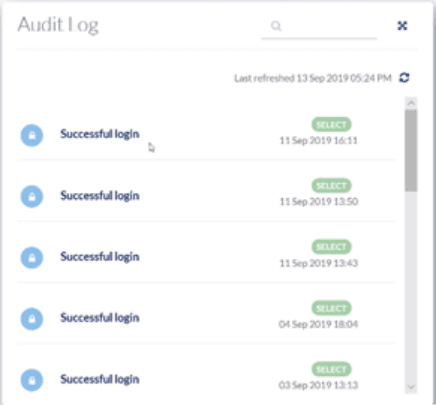
Audit Log Card shows a history of login attempts, password changes or changes to an employee profile
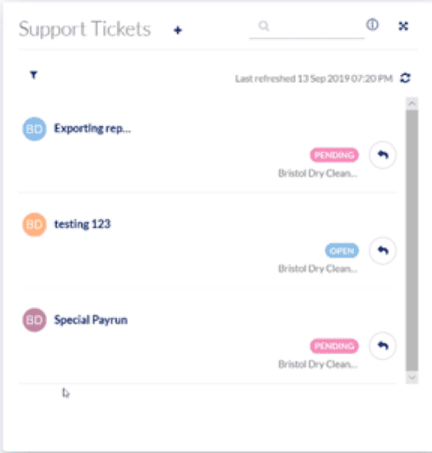
Support Ticket Card allows you to review any support requests for this client. The list shows you all requests, and you can click to see the details. You can reply to a request, see the status of all requests, and start a new request by clicking on the + icon.
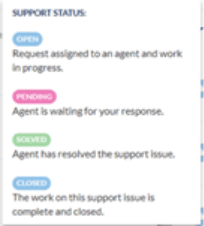
The “i” explains what each status means
Keywords: Evolv, Accountant, Accountant Client, Dashboard, Accountant Dashboard
396
Can't find what you are looking for? We can take a more direct look to help resolve your matter — Create Case or Contact Us