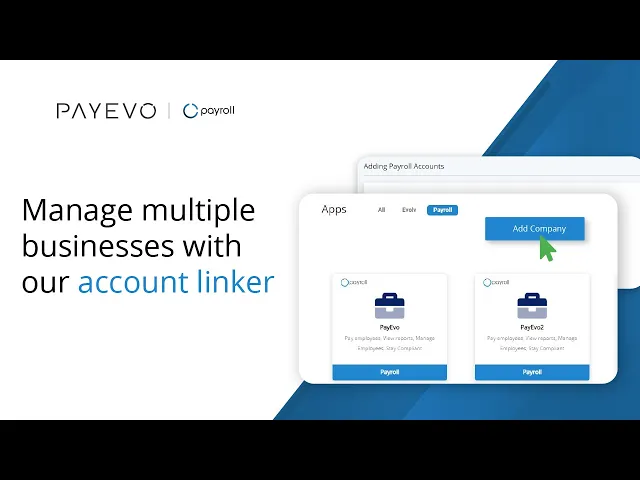
Linking Business Accounts with Account Linker
Learn how to link multiple business accounts under one email address so that you can login all from one user profile.
Also known as: Multiple Accounts, Merge Accounts, Change Owner, Transfer Access, Change Admins.
Applies to: Administrator, Canada (en-CA)
Before you start
You must be the account administrator of multiple Business accounts.
Important Note(s)
Note for Accountants and Bookkeepers
This is a great place to add another business you have. If you have shared your login with others, they will be able to see the other companies you add to your dashboard. Consider upgrading to EVOLV to be able to add other users, set permissions, manage access and audit your user functions.
Video loading, just a moment.
Add a New Company
Add a new business to your dashboard by following these steps:
Step 1. Sign in to your PaymentEvolution account.
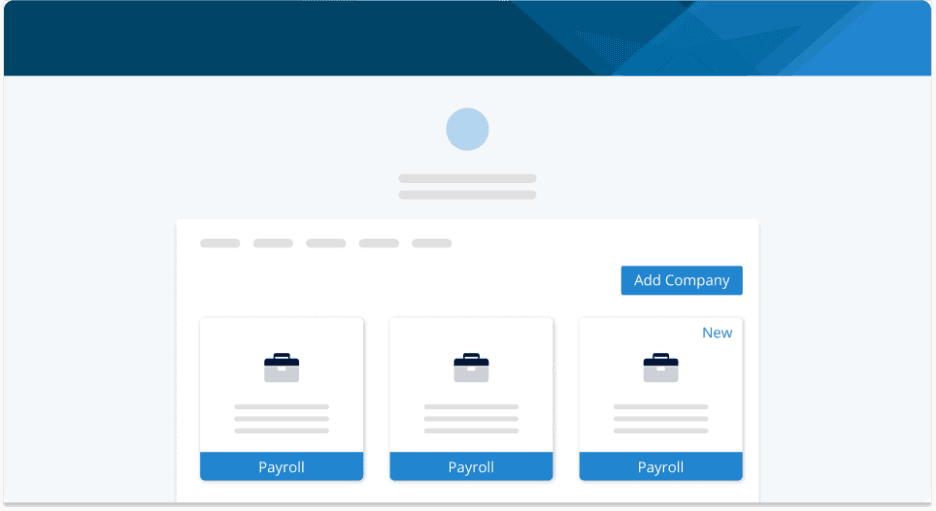
Step 2. Click Add Company.
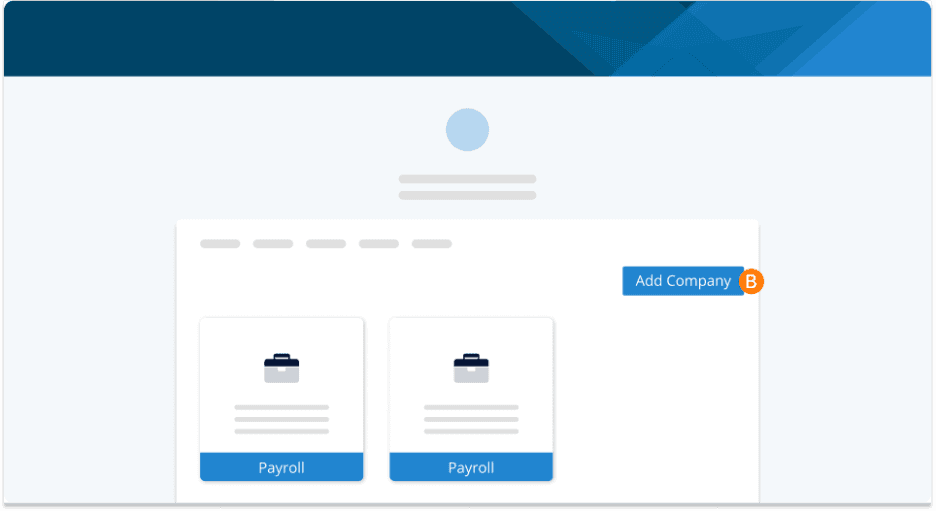
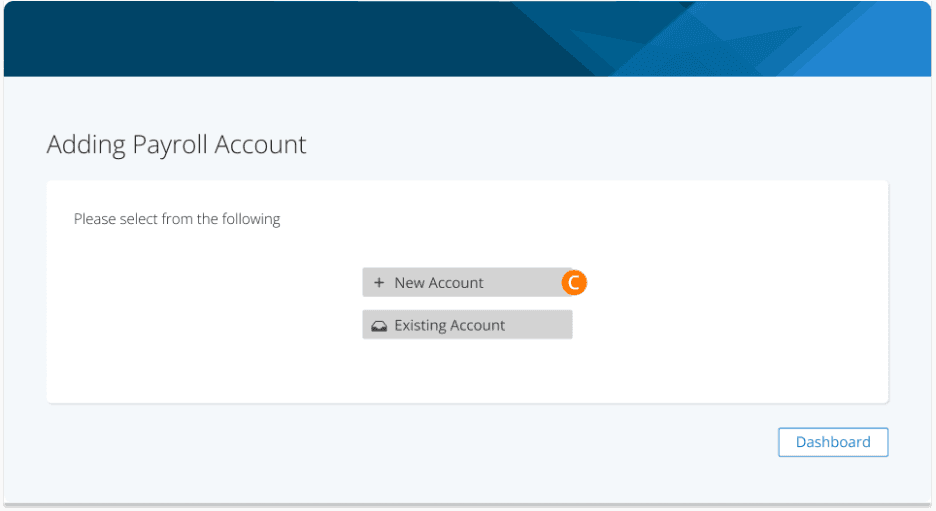
Step 3. Select New Account.
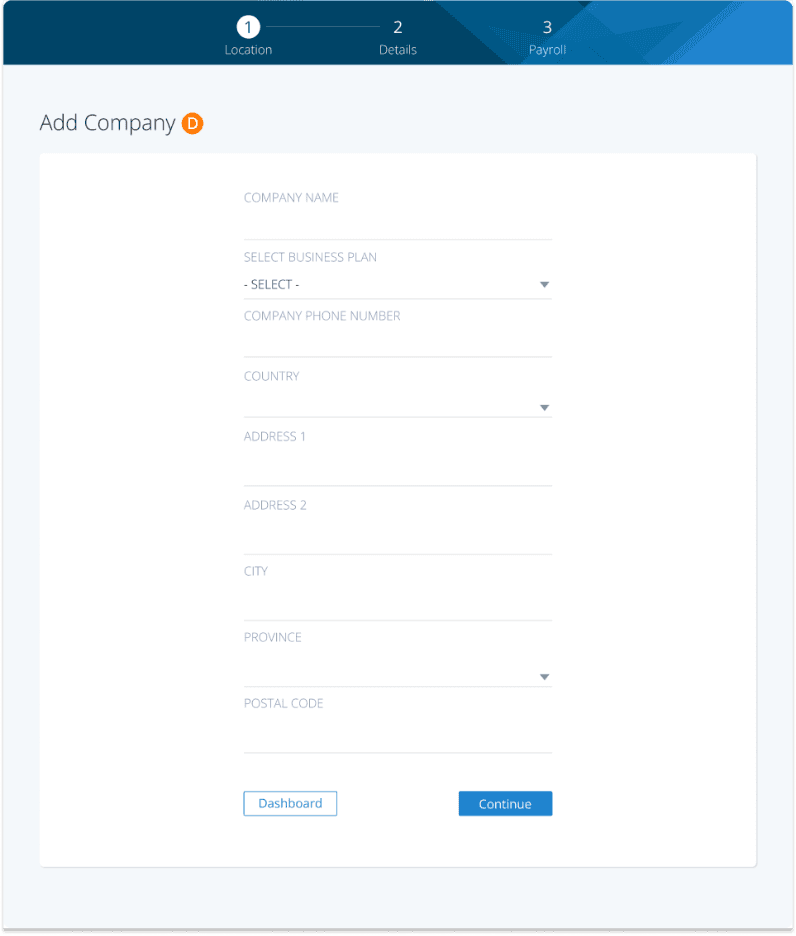
Step 4. Follow the on-screen prompts to add details of the new company.
Step 5. Your new company has now been added, and you will see it on your dashboard upon logging in.
Adding an Existing Company
Add an existing business that you have already set up in PaymentEvolution to your dashboard by following these steps after signing in:
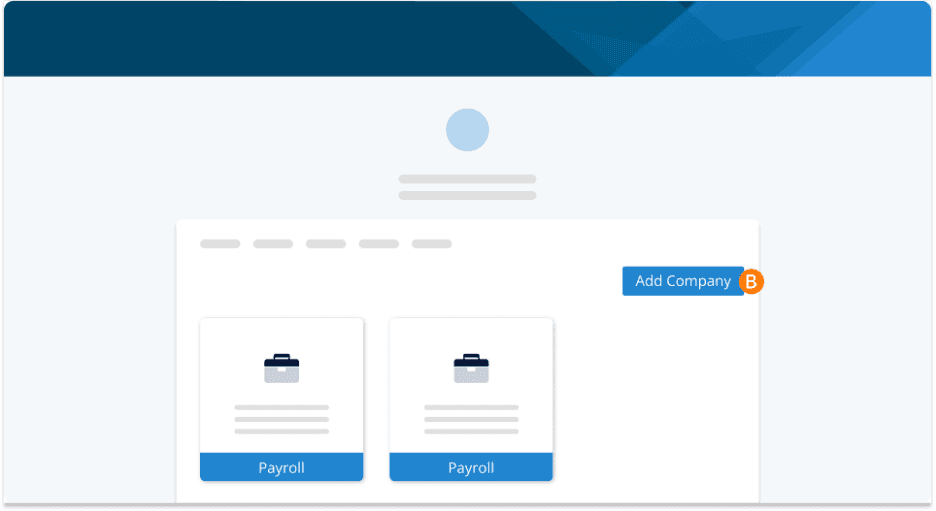
Step 1. Click Add Company.
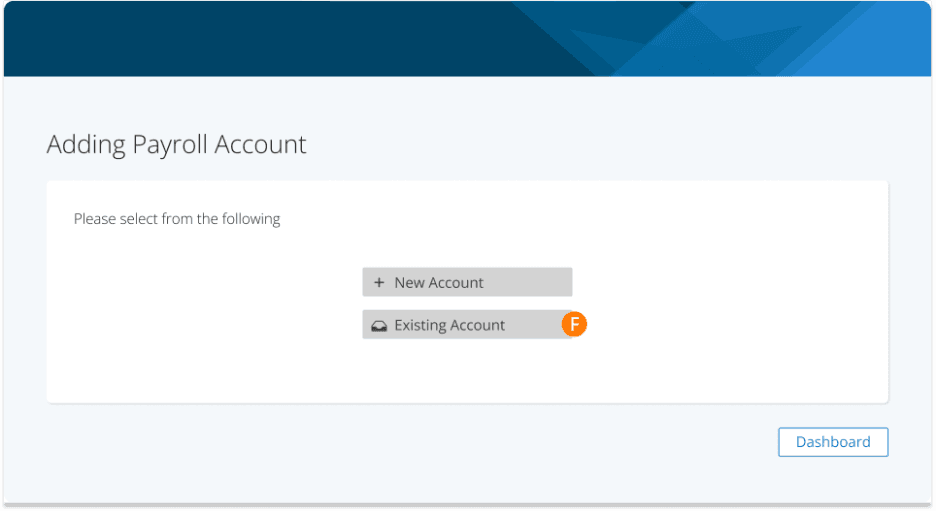
Step 2. Select add an Existing Account.
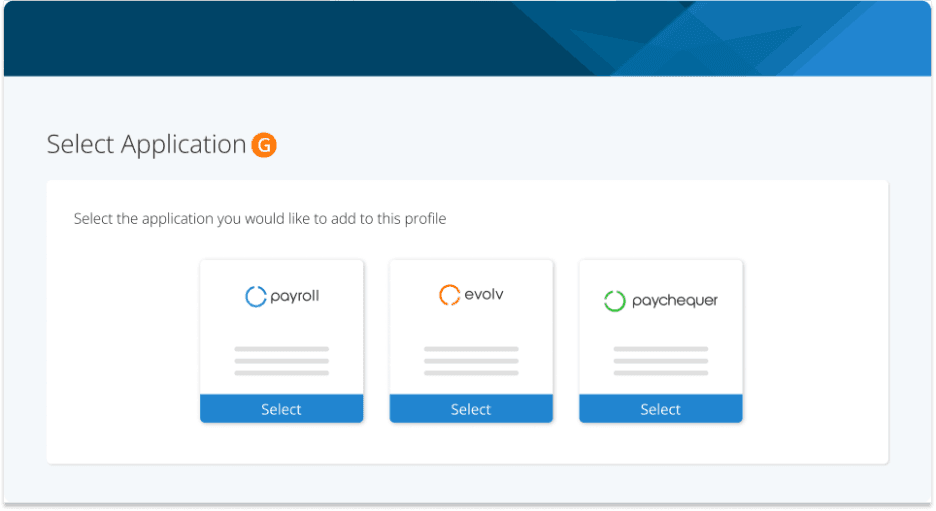
Step 3. Select the Payroll application to add an existing payroll account to your dashboard.
Step 4. Enter your login credentials for the account you wish to add and click Submit.
You will receive an email confirming you wish to transfer this account to your other login. Once confirmed your account will be added to your dashboard. You can now use one email to sign into both accounts.
Transfer Ownership of an Account
If you need to transfer the ownership of one of your accounts to another verified PayEvo user, follow these steps:
Login to your PaymentEvolution account
Step 1. Click on the three dots on the top right of the card for the company you want to transfer.
Select Transfer Company.
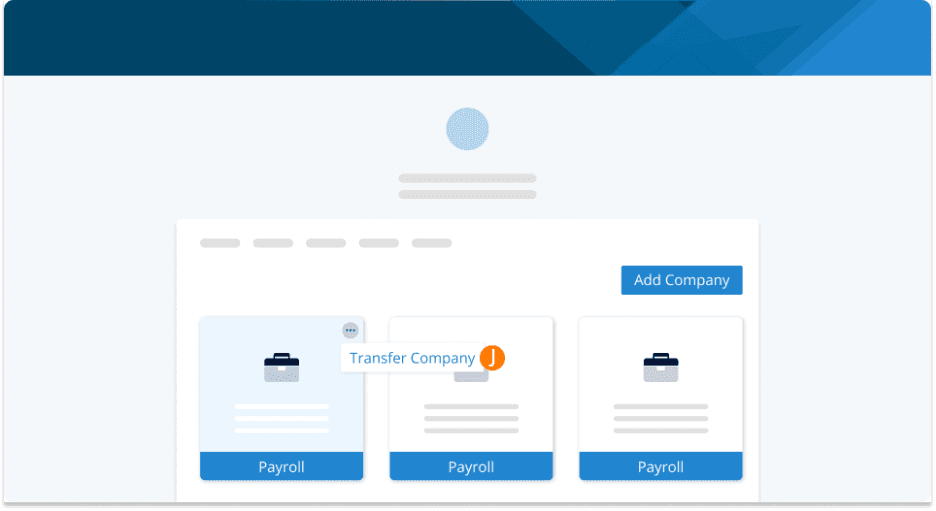
Follow the prompts to transfer ownership of this account by entering the recipient's email and confirming your credentials. The recipient will receive an email with steps to add this company to their existing account or create a new one.
Once completed, you will no longer have access to this account.
Troubleshooting & FAQs
I’m on a bookkeeper/accountant plan. Do I use this to add my clients?
No, you will still need to add clients by accessing your bookkeeper/accountant profile and adding them there. Account Linker is for merging Business Accounts under one login.
Keywords: Multiple Accounts, Merge Accounts, Change Owner, Transfer Access, Change Admins
396
Can't find what you are looking for? We can take a more direct look to help resolve your matter — Create Case or Contact Us