You can sign up for a new PaymentEvolution account by going to our pricing pages for Business Plans or Accountant Plans
Step 1. To register, click the NEW USER button
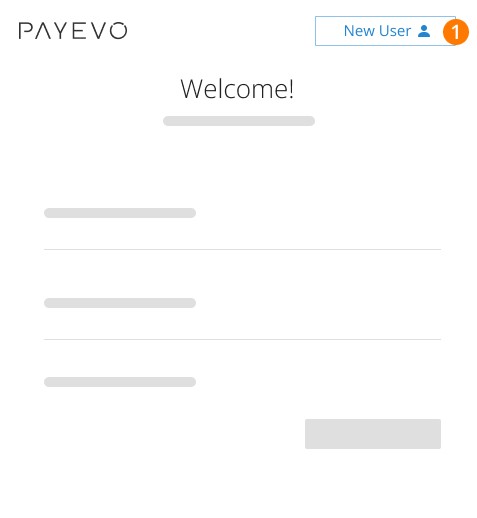
You will then be prompted to select a plan and continue the registration process
Step 2. Choose the plan that best fits your organization
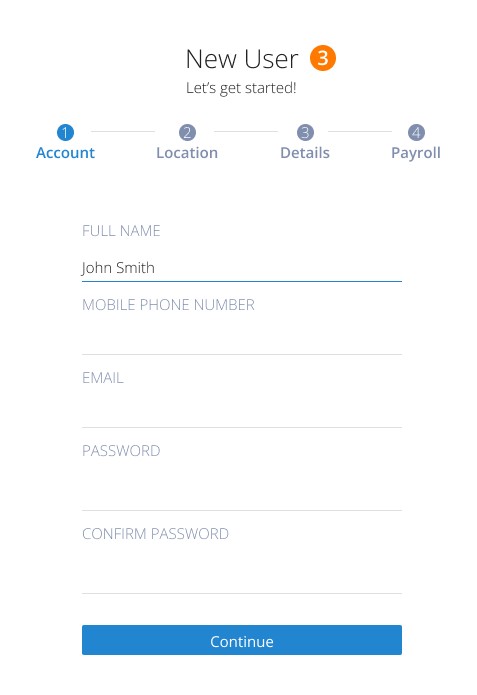
Step 3. Enter your details as a new user
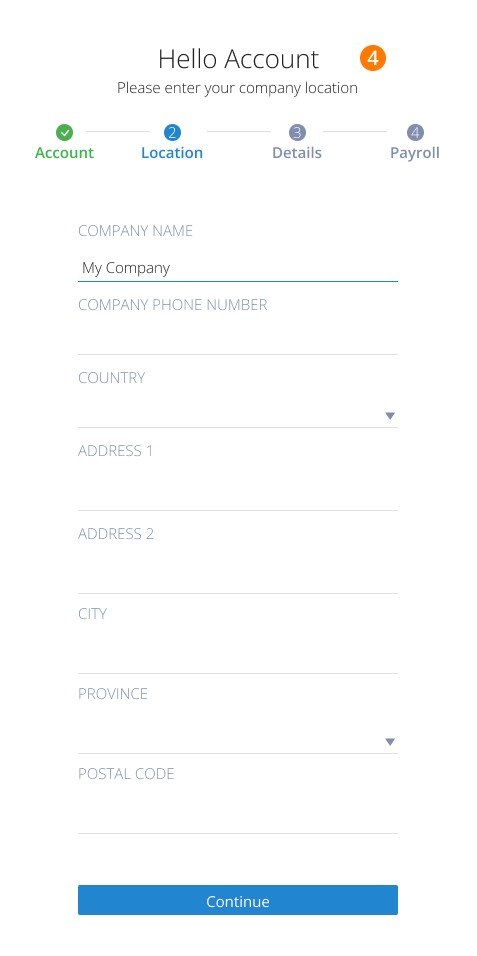
Step 4. Enter details about your organization
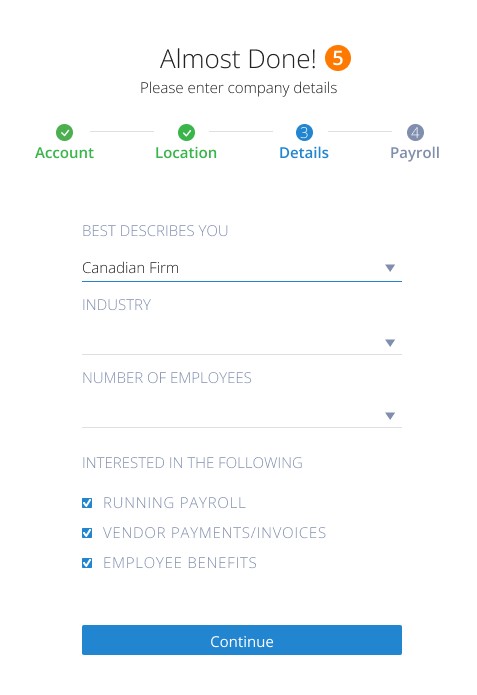
Step 5. Tell us about the type of firm you have and services that interest you.
*Under the BEST DESCRIBES YOU section, you can select:
Canadian Firm
American Firm
Accountant/Bookkeeping Firm
Benefits Broker
Click and of the boxes that interest you
Step 6. Enter Payroll details to continue
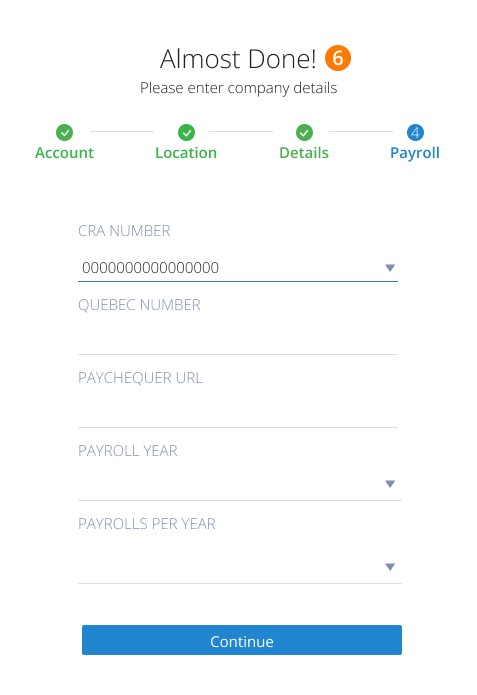
The PayChequr URL field allows you to create a short version of your company name so that staff can easily access their PayChequer account. The PayChequer URL will read mycompanyname.paychequer.com A confirmation email will be sent to your email address. Click to verify your email.
Step 7. Return to the login page and sign in
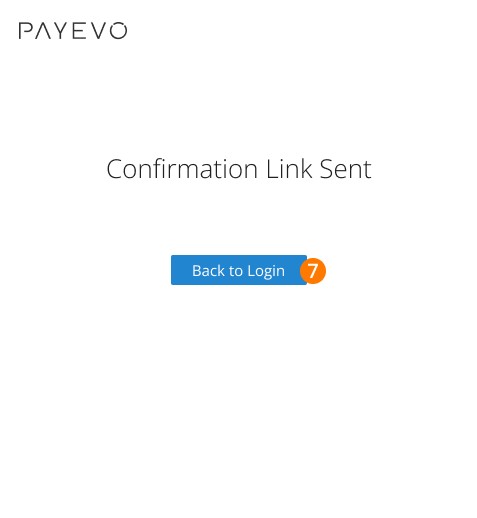
Congratulations, you have successfully signed up for an account with PaymentEvolution! Now, it's time to get started. Follow our Easy Getting Started Guide to set up your first pay run.
Related Tasks
Keywords: New Account, Starting, Set Up, Sign Up, New User, Join PaymentEvolution, Join PayEvo
396
Can't find what you are looking for? We can take a more direct look to help resolve your matter — Create Case or Contact Us