The Employee Explorer report allows you to find all your employee HR data in one report.
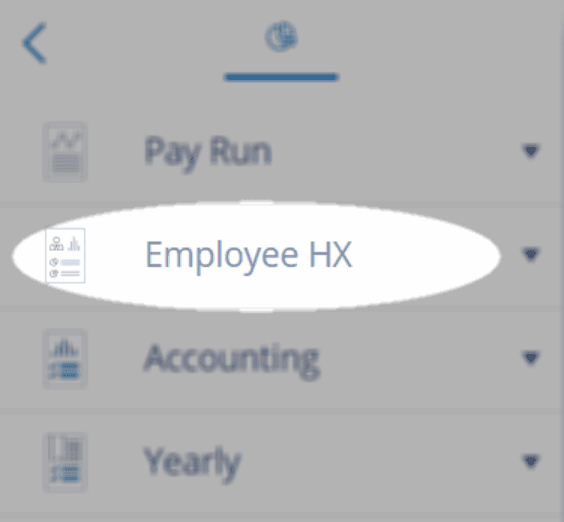
Go to Reports > Employee HX > Employee Explorer.
Start by entering:
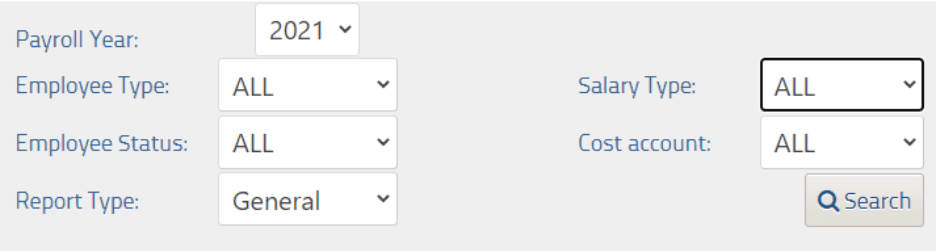
Payroll Year: the year you want to search in
Employee Type: Permanent, Temporary or Contractor
Employee Status: All, Active or Terminated
Report Type: General or Custom (see below for options)
Salary Type: All, Salaried or Time-based
Cost Account: Employee GL Account Codes (from employee Payroll Options)
Click Search
General search will give you the following fields:

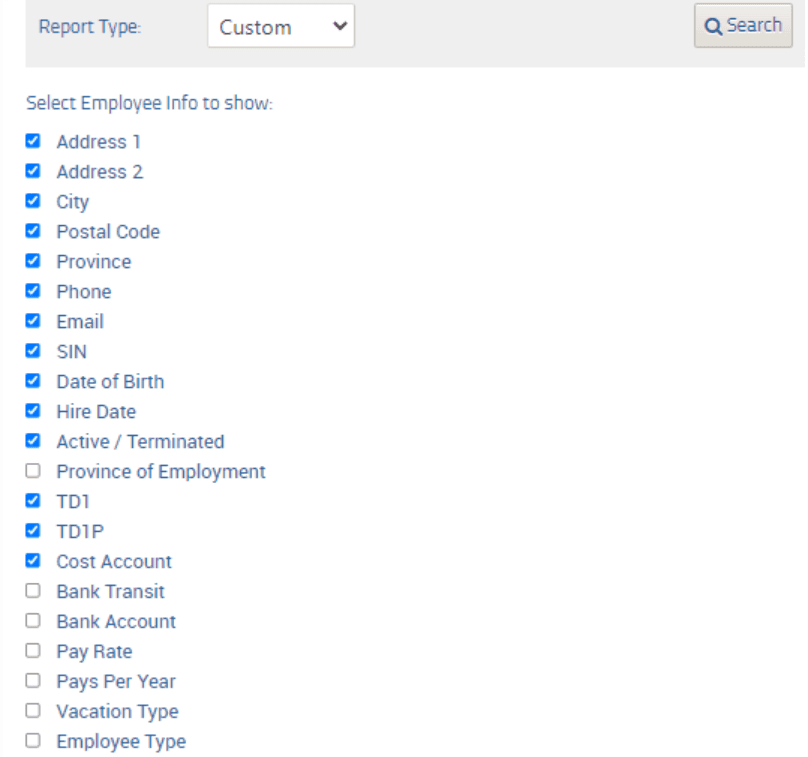
Or Custom will allow you to search any of the following:
Troubleshooting & FAQs
Can I see pay history in the Employee Explorer report?
No, to view pay history, you’ll want to use the Pay Explorer.
Related Tasks
Keywords: Employee Information, Employee Info, Employee Report
396
Can't find what you are looking for? We can take a more direct look to help resolve your matter — Create Case or Contact Us