Updating your Max Limit Walkthrough
In your PayEvo account, go to Settings > Company Profile > Payments Profile.
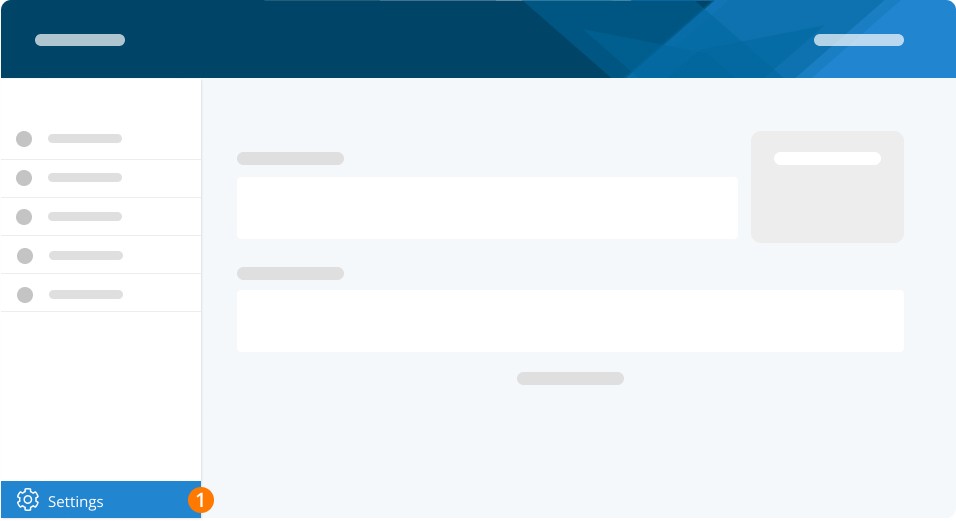
From the drop-down menu, select the bank account for which you wish to update the maximum PAD limit and click Download PAD.
In the PAD agreement document, cross out the old amount and write in the new desired amount.
If the PAD is already signed, you can initial beside the new amount you’ve noted. If the PAD is not signed, then sign at the bottom in the signature box.
Important: Please ensure that the same signing officer(s) who signed the original PAD is signing for this update. If you had multiple signatures, then both signatures are required to make this change.
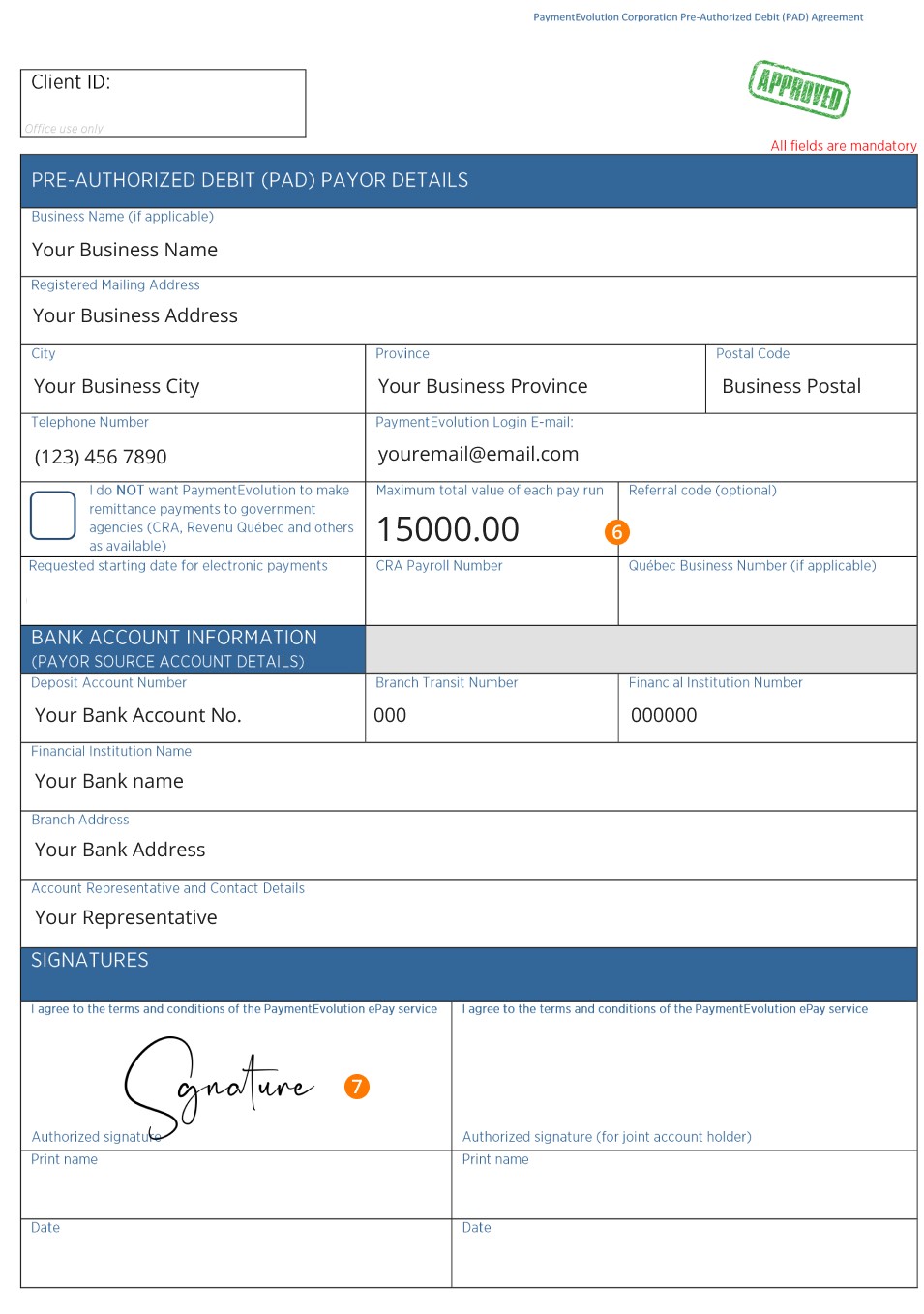
Figure 1. [insert detailed description]
To send us the attachment securely, create a support account at help.paymentevolution.com. Once signed in, click Create a Case.
Upload your updated and signed PAD agreement and include a short message that includes why you wish to make these changes and submit it to our Customer Success team. You will receive confirmation from us once the update has been completed.
TROUBLESHOOTING
Related questions
Keywords: ePay, Direct Deposit, Wire, Maximum Limit, PAD, Withdrawal, Debit, Limit
396
Can't find what you are looking for? We can take a more direct look to help resolve your matter — Create Case or Contact Us