Accessing your Tax Slips
You can access your year end tax slips once your employer has posted them to PayChequer.
Login to your PayChequer account
In the menu, select Tax Documents
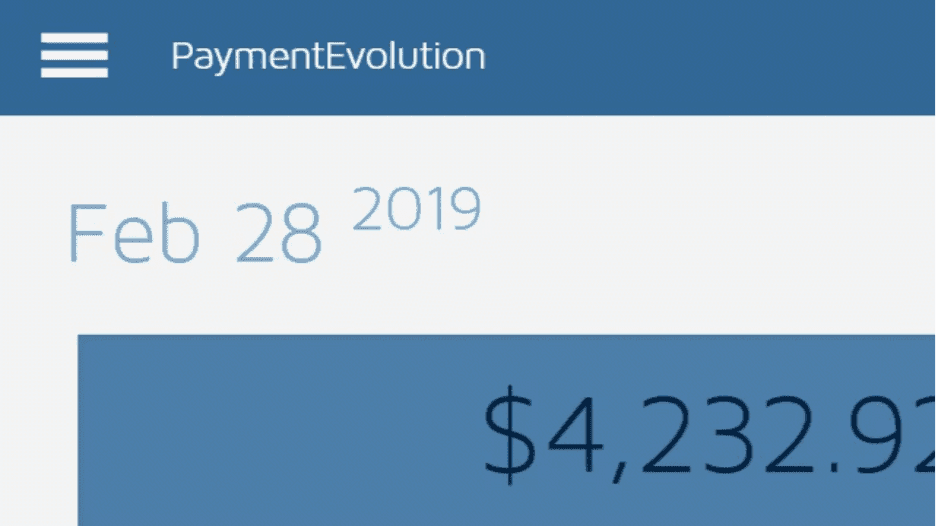
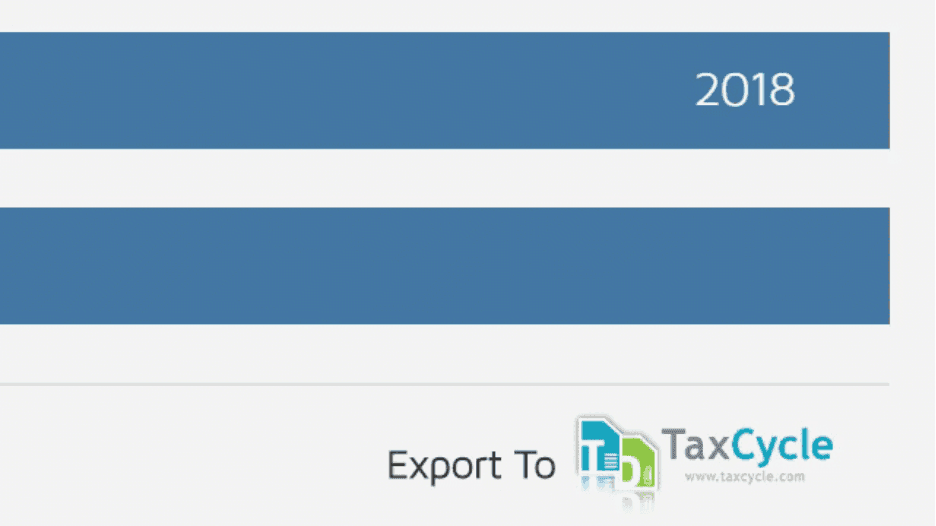
The most recent year is shown. To see other years, tap or click the year and select the year you wish to view.
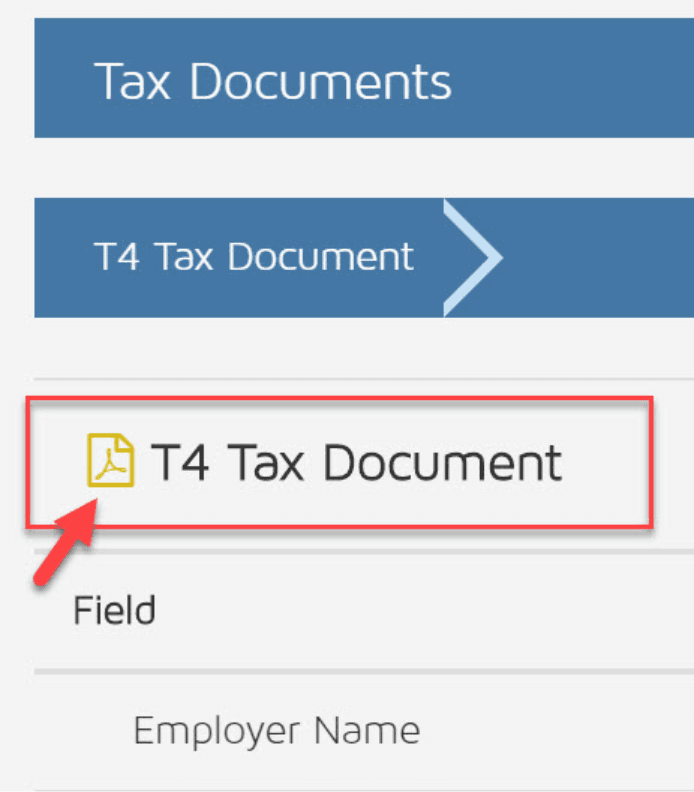
You can use the PDF icon to download or print a copy of your tax slip if needed
Keywords: T4, T4A, RL-1, Tax Slip Access, Download T4, Download Tax Docs, Tax Documents
396
Can't find what you are looking for? We can take a more direct look to help resolve your matter — Create Case or Contact Us